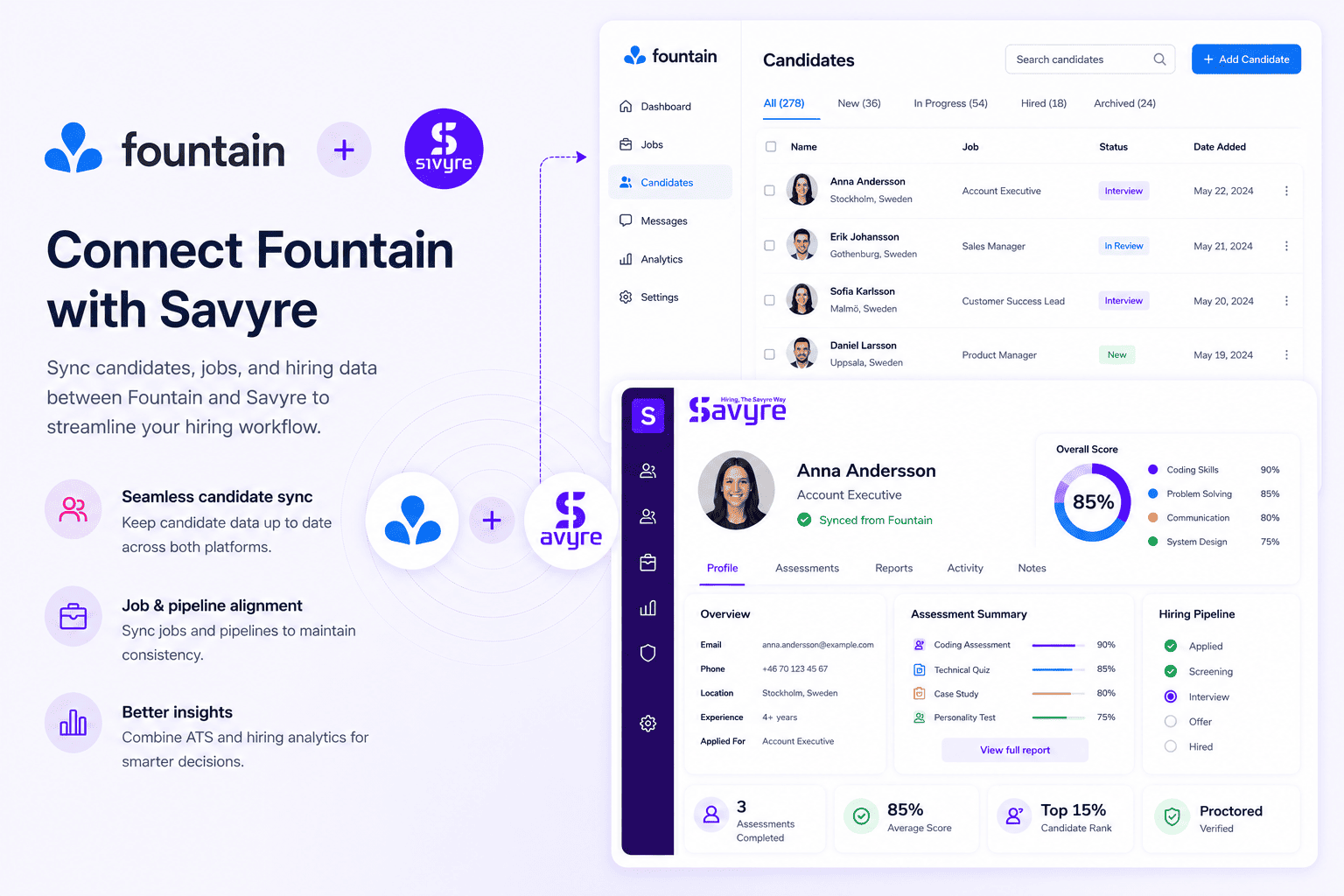
Savyre + Fountain integration
Setup
Get connected in three steps
Link Savyre with Fountain and start sending assessments in minutes.
1
Connect Integration
- Go to Savyre Dashboard → Integrations
- Select Fountain
- Add API key or configure webhook credentials
2
Configure Workflow
- Select hiring role or job template
- Choose trigger stage in your pipeline
- Map candidate fields between platforms
3
Activate
- Enable the integration
- Send a test assessment to verify the flow
- Start evaluating candidates at scale
Trigger assessment
Automatic or manual, your choice
Launch evaluations on your schedule or let your pipeline do the work.
Automatic
- Move candidate to your selected pipeline stage
- Savyre assessment is sent automatically
- Status updates sync back to your ATS
Manual
- Open the candidate profile in your ATS
- Click Start Savyre Assessment
- Track completion without leaving your workflow
Results
Review insights inside Fountain
- Scores visible on the candidate profile
- Report links attached for hiring managers
- Review results inside your ATS workflow
Debugging ability
Code quality
Problem-solving approach
FAQ
Common questions
No. Candidates receive a secure Savyre assessment link by email.
Need help? Contact our team or email support@savyre.com
Explore more
 Install VS Code Extension
 Install Cursor Extension